Install the latest APK
Download Lite directly to your Android phone.
 RideAssistEnterprise account ↗
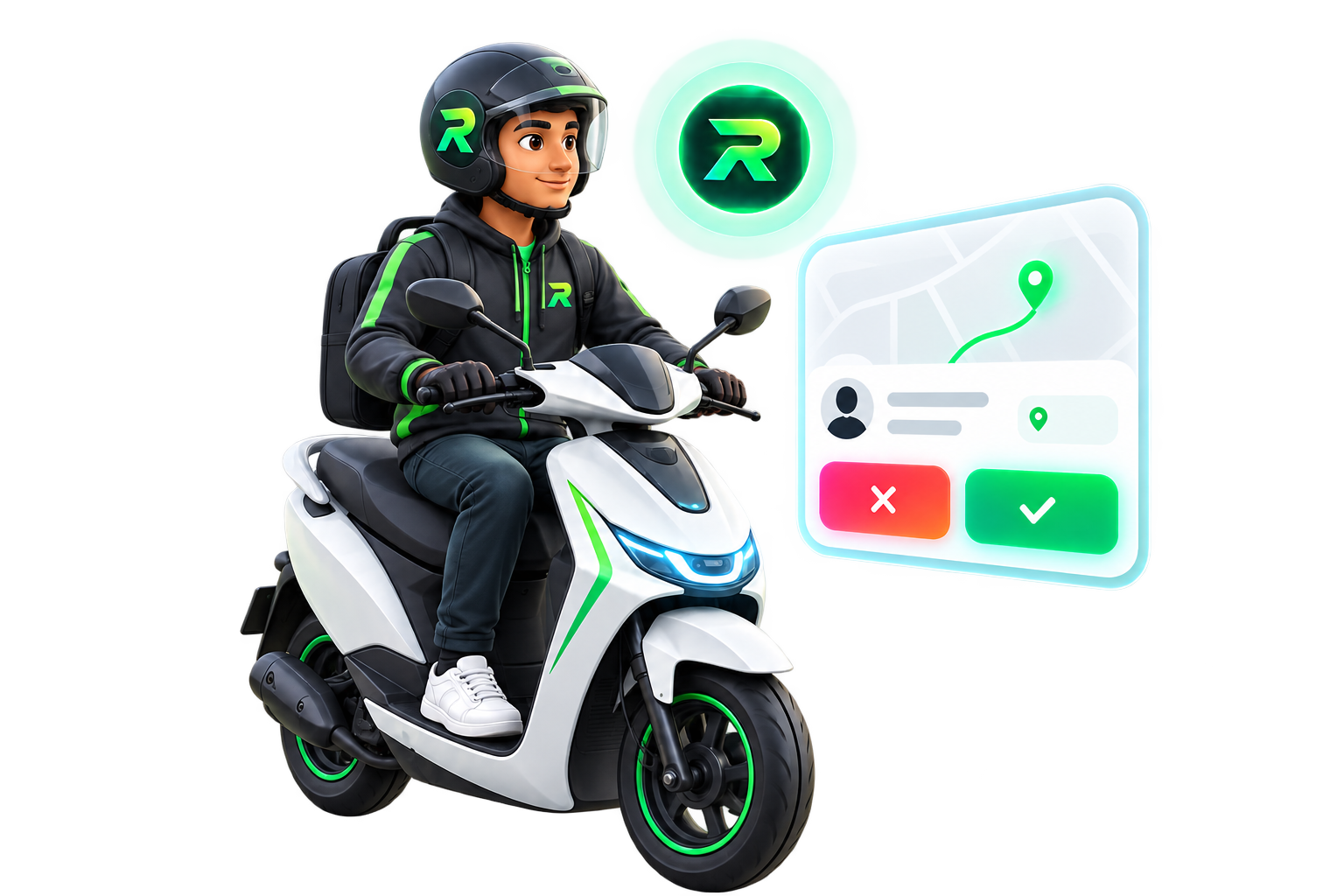
Set fare and pickup-distance preferences. RideAssist Lite helps accept or decline ride offers automatically on your Android phone.
Checking the latest published release…
Download APK ↓Download Lite directly to your Android phone.
Choose your individual access plan inside the app.
Configure fare and pickup filters, enable permissions and start assistance.
Our YouTube setup tutorials are being prepared. For now, follow the steps above or contact support.