Create your company account
Use one Enterprise account for your fleet.
 RideAssistEnterprise account ↗
Connect multiple Android devices to one company account. Monitor screens, use remote controls and review ride history from your browser.
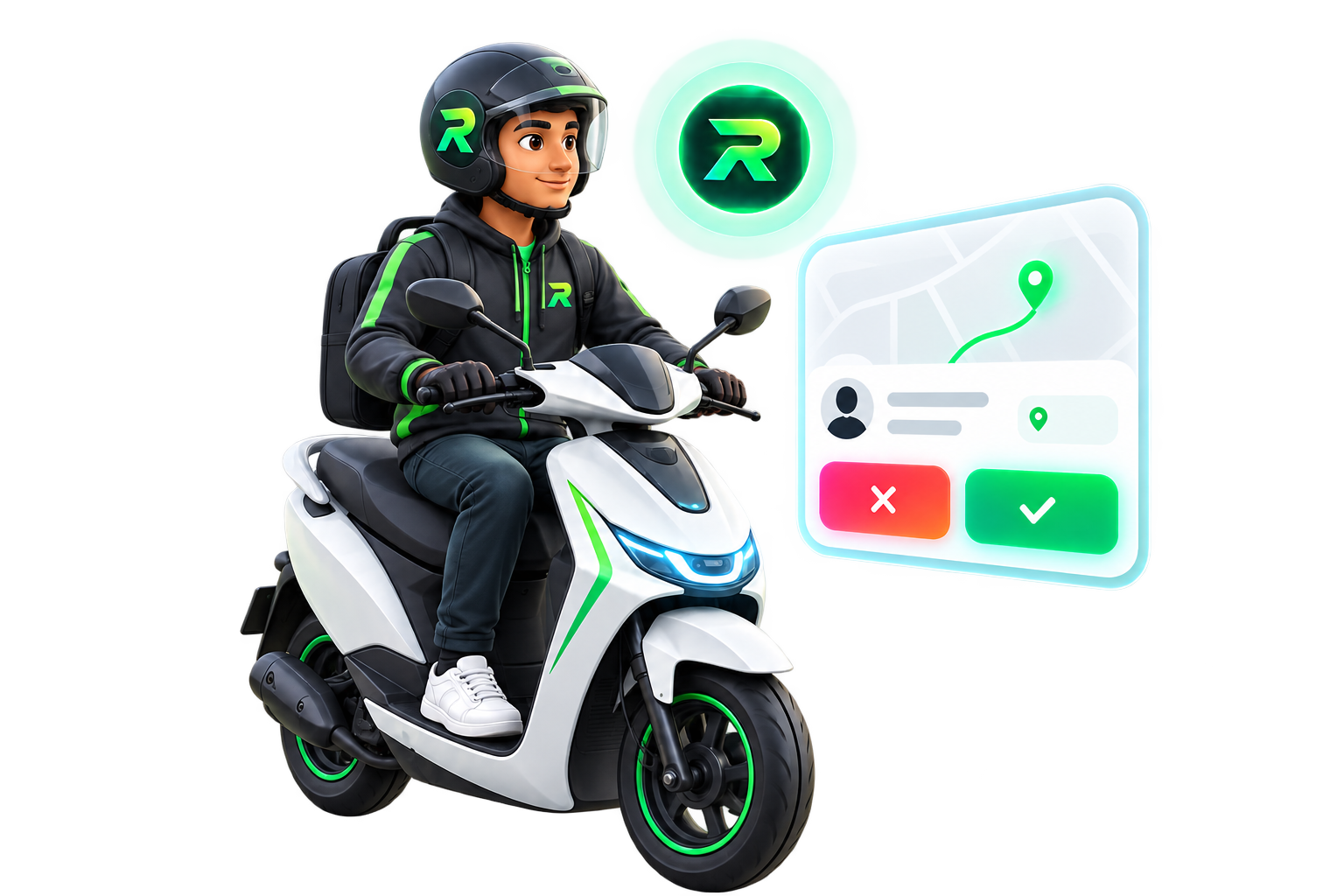
Monitor connected devices, open remote sessions
and review ride history from your browser.
| Device | Fare | Pickup | Decision |
|---|---|---|---|
| Device 01 | ₹240 | 1.2 km | Accepted |
| Device 02 | ₹160 | 3.4 km | Declined |
| Device 03 | ₹310 | 0.8 km | Accepted |
Checking the latest published release…
Download APK ↓Use one Enterprise account for your fleet.
1 device ₹300/month. Each additional device adds ₹100.
Install the Enterprise APK and enable the required permissions.
Monitor devices, open remote sessions and review ride history.
Our YouTube setup tutorials are being prepared. For now, follow the steps above or contact support.